
Online shops
Keep each store, marketplace and support account in its own profile, with the right proxy for each.
Laneru for Mac and Windows
Run many browser profiles side by side. Each one keeps its own logins, cookies and proxy, so your accounts never mix.
macOS (Apple silicon) · Windows 10 and 11 · Free for 2 profiles
Profiles
Each profile is its own browser, with its own cookies and logins. Open five store accounts at once. Each one stays in its lane.
Your proxy
Works with HTTP and SOCKS5 proxies, with or without a username and password. Paste the whole line from your provider. Laneru fills in the boxes.
Your own proxies work on every plan, including Free.
With a proxy on, WebRTC, the browser feature used for calls and video, won't send traffic outside the proxy.
Free proxy pool
Pick a country from Laneru's free pool. Laneru measures the speed from your own computer, so you can choose the quickest one.
Pool proxies are shared with other people and may have usage limits.
Teams
Invite your team and give everyone a role: Admin, Manager or Member. Sort profiles into groups. Each person only sees the groups you give them.
Ben opened Client: Marianow
Ana added Joy to QA12 min
Kim moved Old promo to Trash1 h
A profile opens in one place at a time, and everyone sees who is using it.
See what changed and who did it.
Deleted something by mistake? It waits in the trash for 7 days.
Privacy
Each profile keeps its own cookies, logins and site data. When it closes, Laneru saves an encrypted copy on its server, so your team can open the profile on any computer and stay signed in.
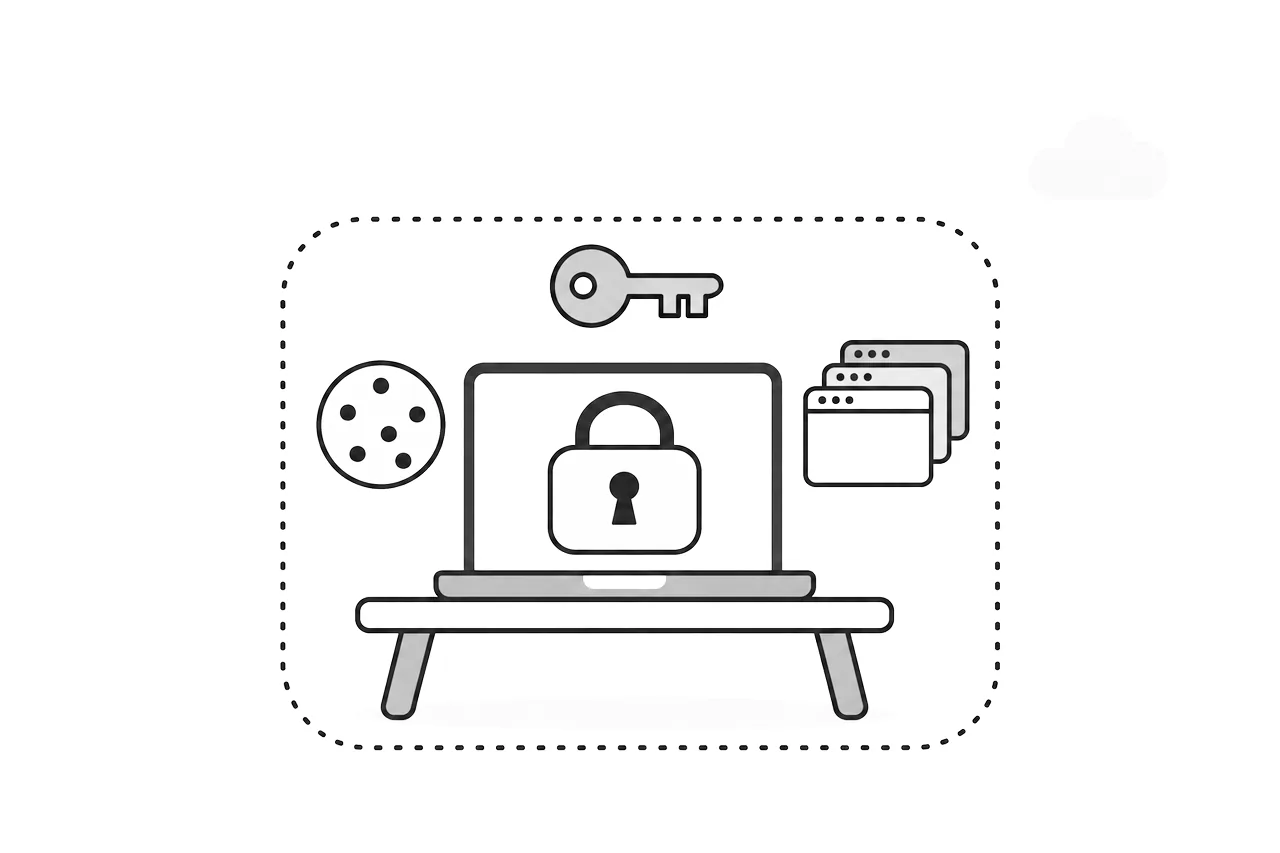
Cache and browsing history aren't uploaded. Members can open the profiles they're given, but can't export saved passwords or open developer tools. Details are in the Privacy policy.
Who it's for
Keep each store, marketplace and support account in its own profile, with the right proxy for each.
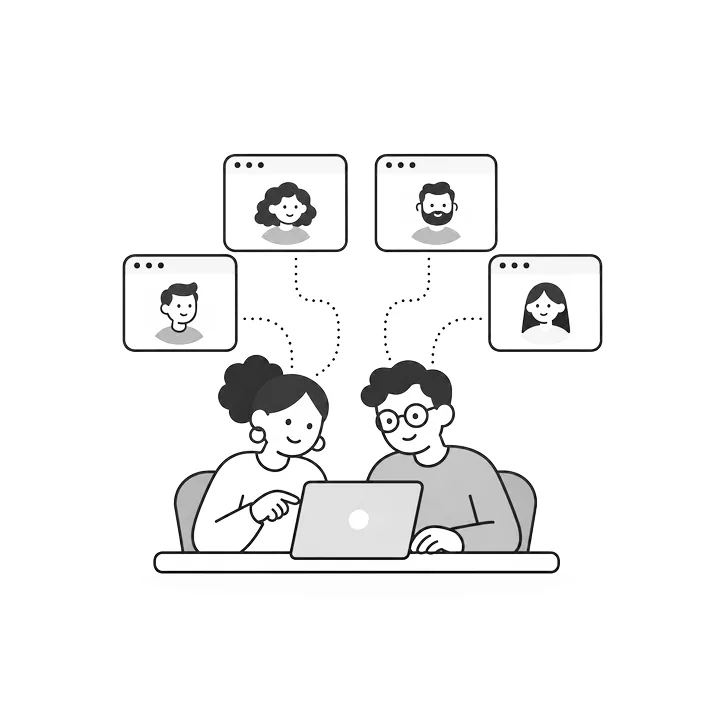
Look after the client accounts you've been trusted with, and give each teammate only the clients they handle.

Test sign-ups, roles and regions in clean, separate browsers that don't share cookies.
Laneru is for accounts you own or have permission to manage. Please follow the rules of every website you use.
Pricing
Two profiles are free, and so is everyone on your team. Pay only for more profiles.
For individuals and small teams
$7.20/month
Billed every month
$6.12/month
Billed every 3 months: $18.36
$5.40/month
Billed every 6 months: $32.40
$4.32/month
Billed every year: $51.84
For growing teams
$48.80/month
Billed every month
$41.48/month
Billed every 3 months: $124.44
$36.60/month
Billed every 6 months: $219.60
$29.28/month
Billed every year: $351.36
| Plan | Profiles | A month | Billed monthlyEvery 3 monthsEvery 6 monthsEvery year |
|---|---|---|---|
| Free | 2 | $0 | $0 |
| Pro 10 | 12 | $7.20$6.12$5.40$4.32 | $7.20$18.36$32.40$51.84 |
| Pro 20 | 22 | $9.60$8.16$7.20$5.76 | $9.60$24.48$43.20$69.12 |
| Pro 50 | 52 | $16.80$14.28$12.60$10.08 | $16.80$42.84$75.60$120.96 |
| Pro 100 | 102 | $28.80$24.48$21.60$17.28 | $28.80$73.44$129.60$207.36 |
| Business 200 | 202 | $48.80$41.48$36.60$29.28 | $48.80$124.44$219.60$351.36 |
| Business 300 | 302 | $68.80$58.48$51.60$41.28 | $68.80$175.44$309.60$495.36 |
| Business 400 | 402 | $88.80$75.48$66.60$53.28 | $88.80$226.44$399.60$639.36 |
| Business 500 | 502 | $100.80$85.68$75.60$60.48 | $100.80$257.04$453.60$725.76 |
| Business 1,000 | 1,002 | $157.60$133.96$118.20$94.56 | $157.60$401.88$709.20$1,134.72 |
| Business 2,000 | 2,002 | $237.60$201.96$178.20$142.56 | $237.60$605.88$1,069.20$1,710.72 |
| Business 5,000 | 5,002 | $477.60$405.96$358.20$286.56 | $477.60$1,217.88$2,149.20$3,438.72 |
Business comes in every size from 200 to 5,000 profiles, by the hundred: pick yours in the app. Members are free on every plan, as many as you need.
Prices in US dollars. 1 month is 30 days, 3 months 90, 6 months 180 and 1 year 365. Laneru isn't on sale yet; plans start when early access opens.
A profile is a separate browser with its own logins, cookies, settings and proxy. Opening two profiles is like having two separate browsers: signing in on one doesn't sign you in on the other.
A proxy lets a profile go online through another address, for example from another city or country. In Laneru each profile can have its own proxy, or none at all.
No. You can use a profile without a proxy, use a proxy you already have (HTTP or SOCKS5, with or without a username and password), or pick a free one from Laneru's pool by country. If you want more, you can also order proxies inside the app.
Only to Laneru's own server, encrypted. When you close a profile, Laneru saves its cookies, site data and saved passwords there, so you or your team can open the profile on another computer and stay signed in. Cache and browsing history stay on your computer. Our Privacy policy has the details.
Not at the same time. A profile opens in one place at a time, and your teammates can see who is using it.
Yes, within 7 days. Deleted profiles wait in the trash for 7 days before they are removed.
Inside the app. Your workspace's Admin picks a plan and pays with USDT on the TRON network (TRC20) or BNB Smart Chain (BEP20), or by bank transfer in Vietnam. Prices are in US dollars; for a bank transfer the app shows the amount in Vietnamese dong. Card payments aren't available. Laneru isn't on sale yet, so paying opens together with early access.
No. A plan lasts as long as you paid for: 30, 90, 180 or 365 days. Nothing is charged automatically. When you pay for the same plan again, the new days are added to the days you have left.
Yes, at any time. A new plan starts as soon as you pay for it. The time left on your old plan isn't lost: it is turned into extra days on the new plan, based on the two prices.
Your workspace goes back to Free. No profile or browser data is deleted. If you then have more profiles than your plan allows, profiles can't be opened until you renew, upgrade or move the extra ones to the trash. The same applies when you switch to a smaller plan.
Macs with Apple silicon (M1 or later), and Windows 10 and 11 (64-bit).
Managing accounts you own or are allowed to manage: your shops, your clients' accounts or your test accounts. Laneru doesn't change any website's rules, so please keep following them.
Laneru is new and not yet signed with an Apple or Microsoft developer certificate, so the first launch shows a warning. On a Mac, open System Settings, then Privacy & Security, and click Open Anyway. On Windows, click More info, then Run anyway. You only do this once.
Download the app, create your account inside it, and open your first profile in a minute.
Version 0.3.2 · Mac with Apple silicon (M1 or later), about 160 MB · Windows 10 and 11, 64-bit, about 145 MB